Record, edit
& find your community
Practical guides from capturing and editing gameplay to finding friends, parties, and communities.
Page 24 of 45
 Recording Guide
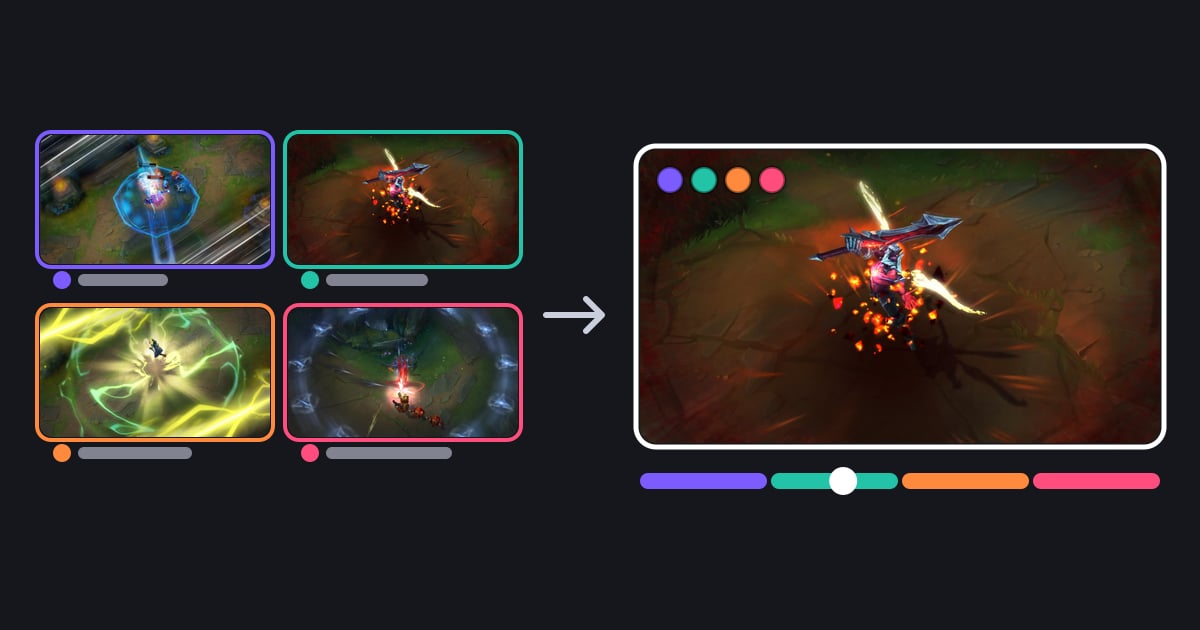
Multi-POV Highlights With Friends: Turn Your Duo or 5-Stack's Clips Into One Video (Valorant & LoL, 2026)
DOR Party Clip gathers each teammate's own POV clip from a match you played together and joins them into one highlight video after the game, with no streaming or screen sharing. Here are the requirements and the steps.
 Recording Guide
How to Post Gaming Shorts Every Day (2026): A Batch Routine That Turns One Week of Play Into 7 Shorts
Record while you play, batch the picking, trimming, 9:16 and text into two sessions a week, then schedule one Short per day. Here is the routine and a seven-day schedule.
 Recording Guide
How to Become a Game Streamer (2026): Pick a Platform, Prep Your First Stream, Promote With Clips
Which platform to start on, the minimum setup for a first stream, a 30-day schedule, and a clip loop outside your stream that brings new viewers back to your channel.
 Recording Guide
How to Become a Gaming YouTuber (2026): What to Decide First and a Roadmap for Your First 10 Videos
A decision-order roadmap for starting a gaming YouTube channel: pick a main game, concept and format, set up minimal gear, plan your first 10 videos, read the right numbers, and know the 2026 monetization thresholds.
 Recording Guide
How to Make CS2 Shorts (2026): Turn Clutches and One-Taps Into Vertical Clips
Pick CS2 moments that survive a vertical crop, see where the radar, kill feed and money HUD get cut at 9:16, and choose between demos and direct recording.
 Recording Guide
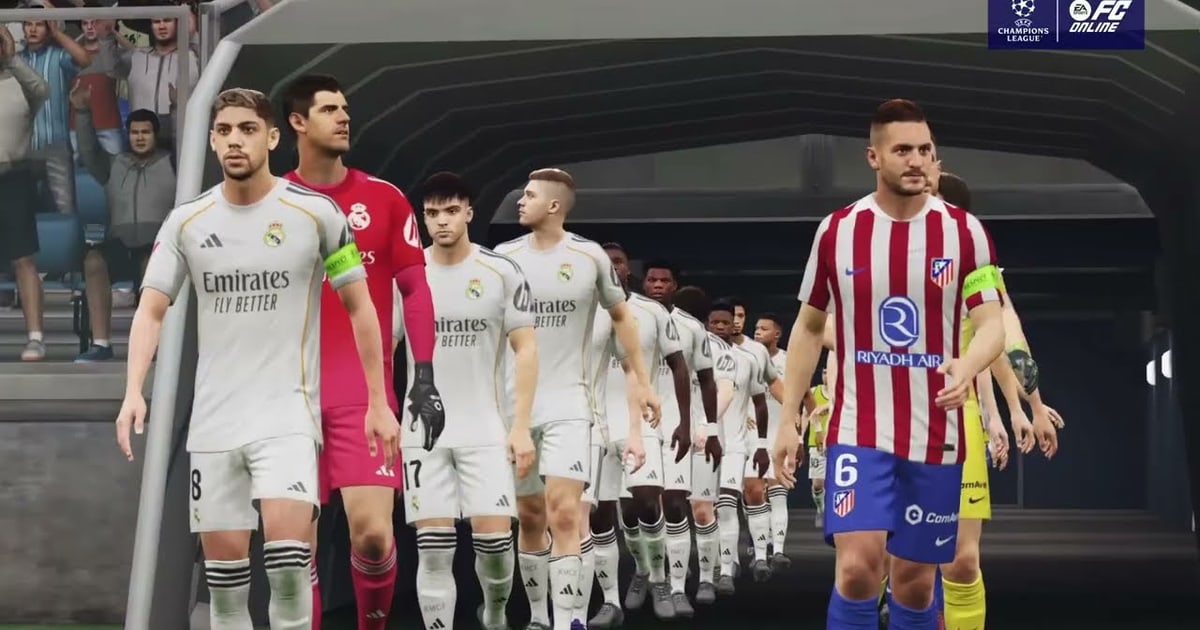
How to Make FC Online Goal Shorts (2026): Which Goals to Crop 9:16 and Which to Keep 1:1
Turn FC Online goals into Shorts without losing the goal or the pass that made it: which goals survive a 9:16 crop, when 1:1 is the safer pick, and how to add match time and score text.
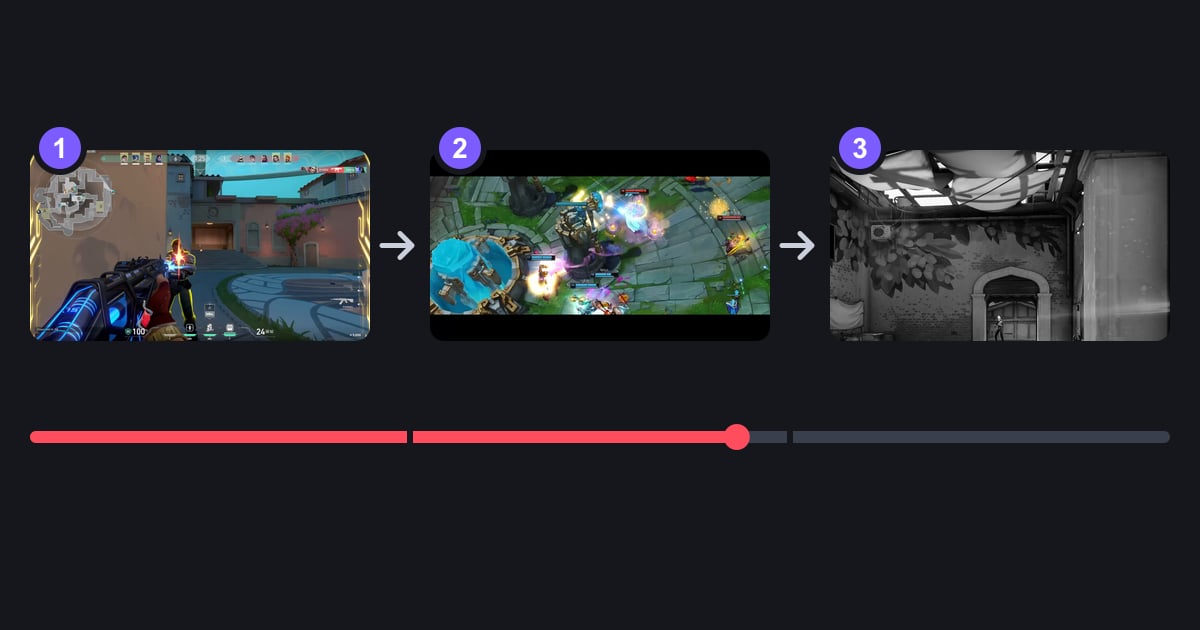 Recording Guide
How to Make a Game Guide Video (2026): Getting Demo Footage, On-Screen Text and Chapters
Plan lineup, champion, macro and settings guides as result, demo and step-by-step replay, pull demo footage from several recorded matches, then finish with on-screen step labels and YouTube chapters.
 Recording Guide
How to Make a Game Review Video (2026): Structure, Pre-Recording Shot List and Spoiler Markers
A practical order for game review videos: a verdict-first structure, a six-part shot list to write before you record, how much footage to capture, spoiler markers, and the notices to check before using trailers or a review key.
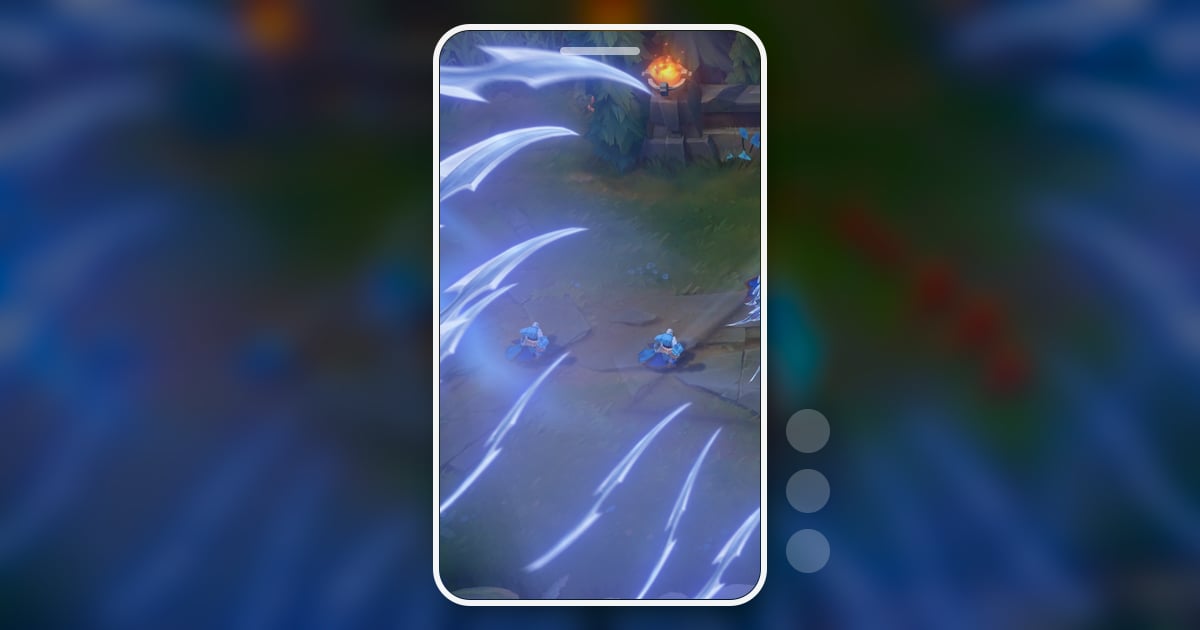 Recording Guide
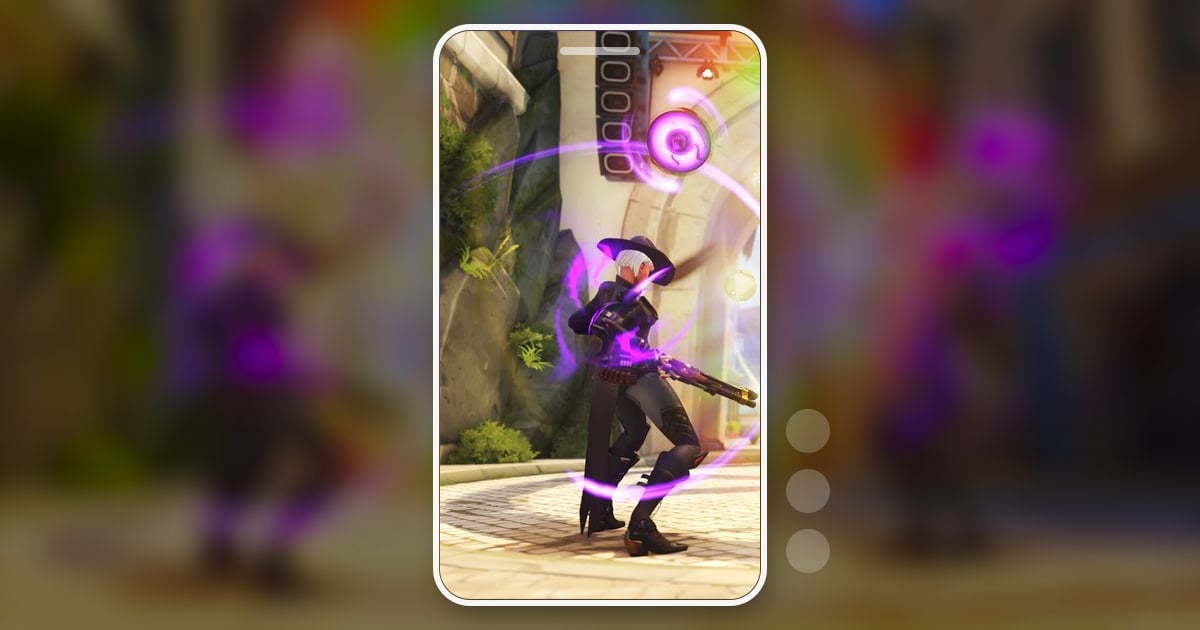
How to Make League of Legends Shorts (2026): Turn Pentakills and Teamfights into Vertical Videos
Which LoL moments work as Shorts, how to handle the minimap, skill bar and kill announcements in a 9:16 crop, how long to make them, replay expiry, and Riot's video policy.
 Recording Guide
How to Make Overwatch Shorts (2026): Turn Kills and Team Fights Into Vertical Video
A step-by-step way to turn Overwatch ult combos, multikills, support saves and funny moments into 9:16 Shorts, including how to rebuild the kill feed and health bar that a vertical crop cuts off.
 Recording Guide
How to Make PUBG Shorts (2026): Turn Knocks, Kills and Chicken Dinners Into Vertical Video
Pick the PUBG moments that work as Shorts, handle the minimap, kill feed and ammo HUD when you crop to 9:16, and account for first-person versus third-person before you export.
 Recording Guide
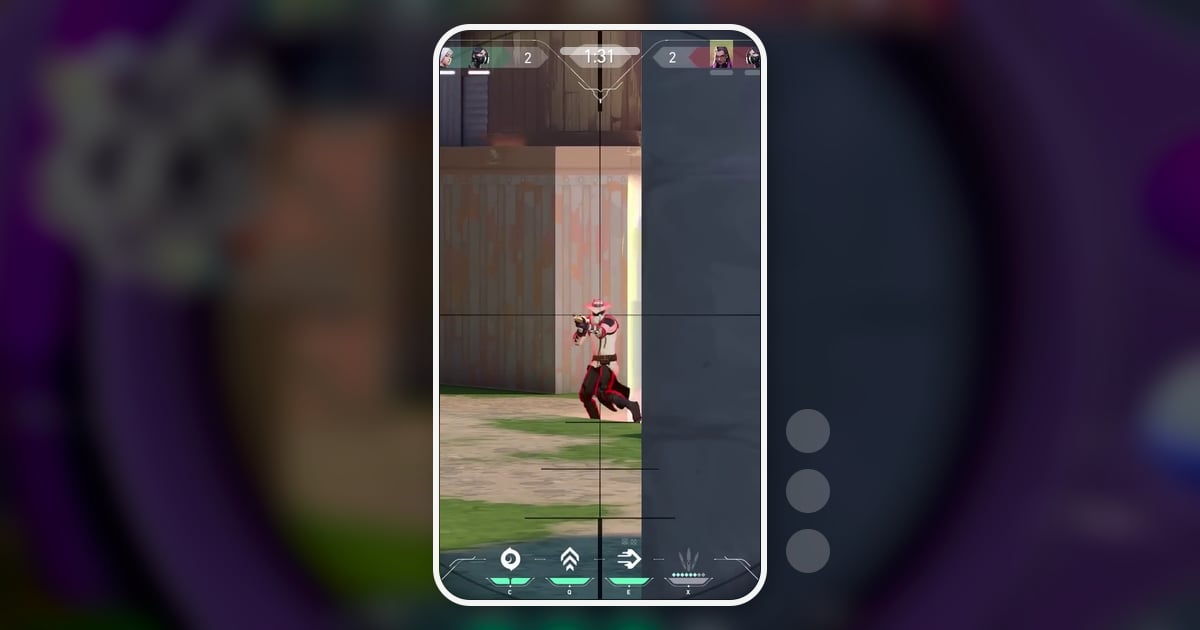
How to Make Valorant Shorts (2026): Turn Ace and Clutch Rounds Into Vertical Videos
Pick the VALORANT moments that work as Shorts, crop them to 9:16 without losing the story when the kill feed and minimap fall outside the frame, and show the round result as on-screen text.
 Recording Guide
How to Make Gaming Commentary Videos (2026): Live Commentary vs Voiceover, What to Say and Audio Balance
Choose live commentary or a voiceover, set mic distance and input level for commentary, talk in a situation, reason, reaction frame, handle dead air and slips, and balance your voice against game audio and music.
 Sensitivity Tools
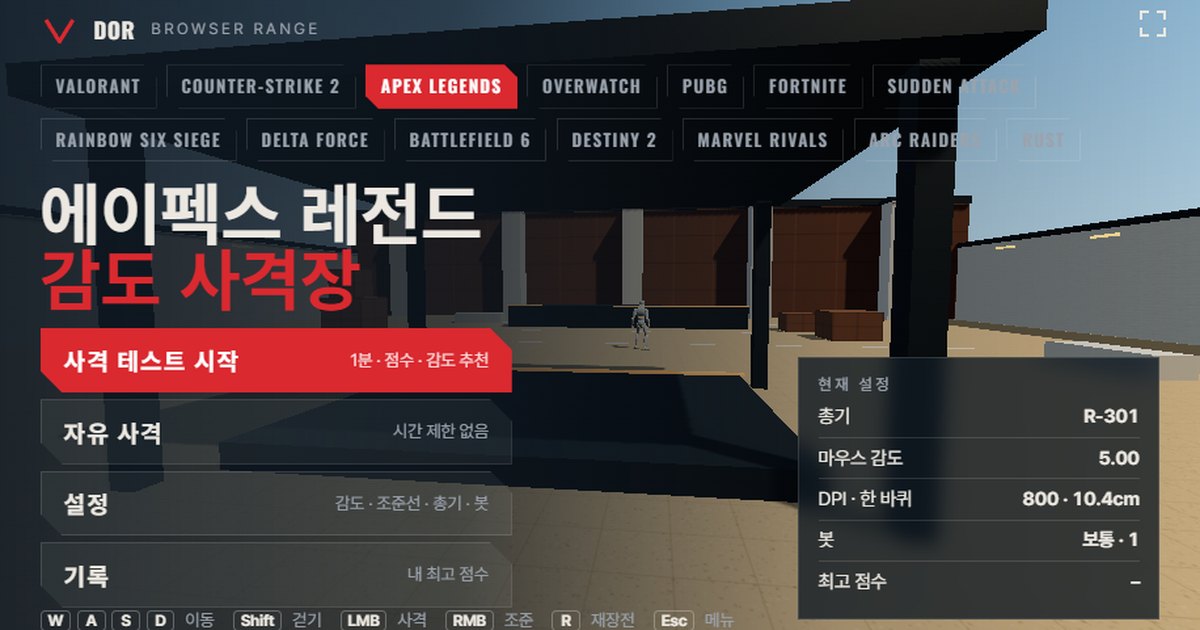
Apex Legends Sensitivity Test: 1-Minute Browser Range with 0.022 Yaw
An Apex Legends sensitivity test that runs in your browser with the game's mouse turn rate and field of view. Enter your in-game sensitivity and DPI, run the 1-minute test, and get accuracy, headshot rate and time to kill along with a sensitivity suggestion based on your overshoot and undershoot.
 Sensitivity Tools
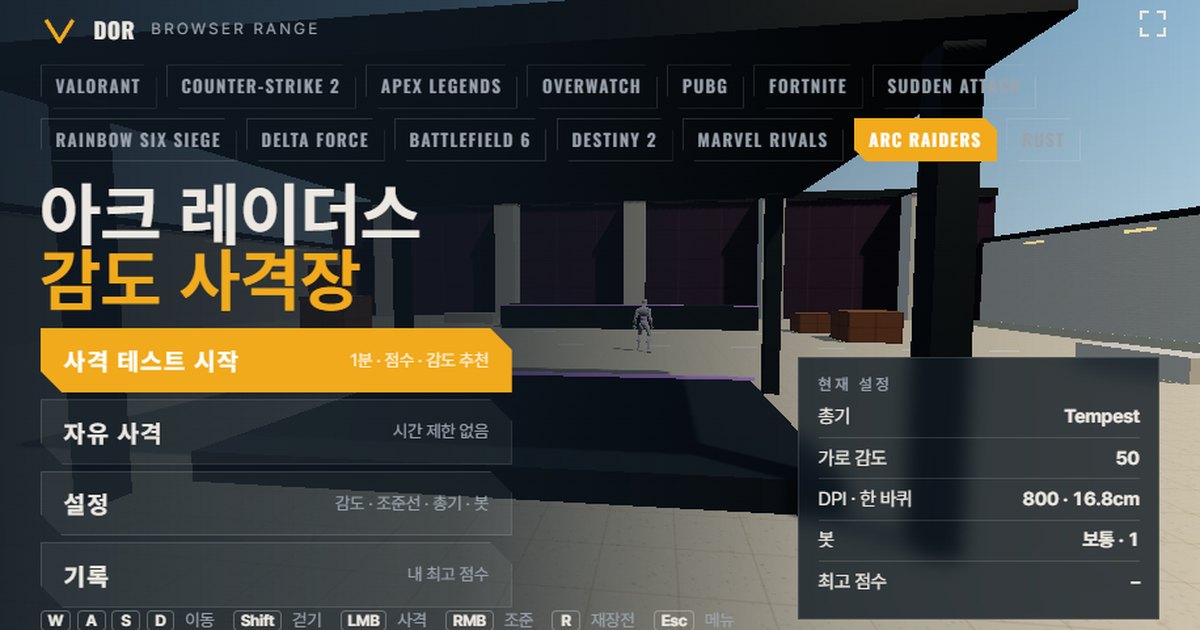
ARC Raiders sensitivity settings: default 50, cm/360 and 1-min test
Where ARC Raiders sensitivity lives (0–100, default 50), the cm/360 formula with FOV scaling, the zoom multipliers, and a browser range with the same turn rate that suggests a sensitivity after a 1-minute test.
 Sensitivity Tools
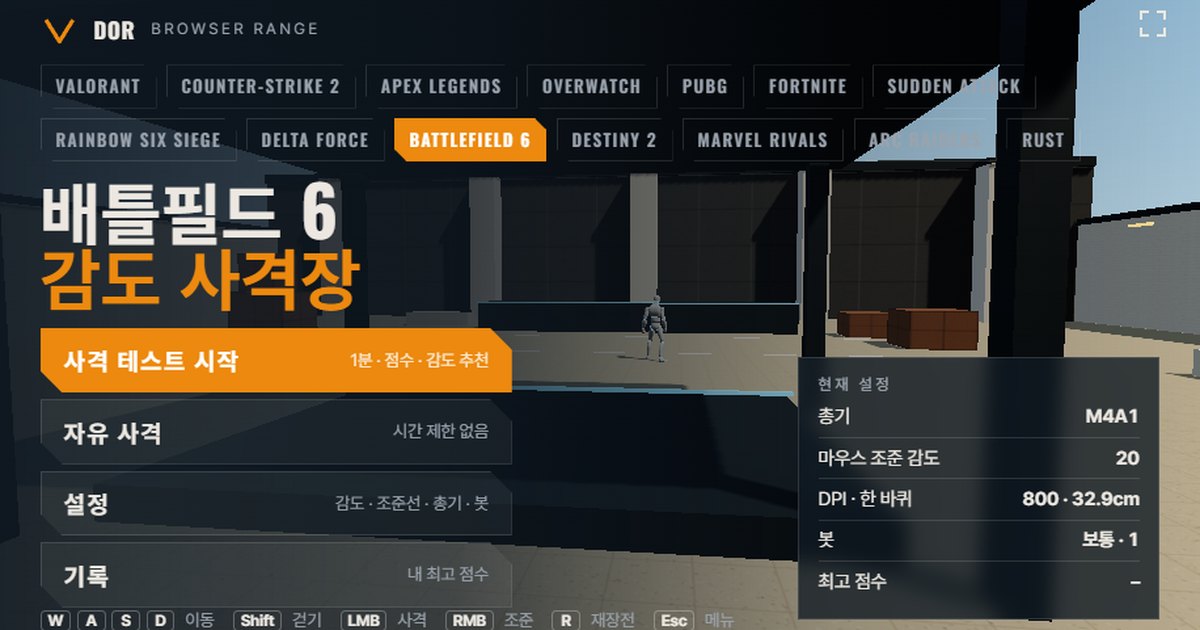
Battlefield 6 Sensitivity Settings: cm/360 and a 1-Minute Browser Test
Where Battlefield 6 sensitivity lives (Mouse & Keyboard > Infantry), its 0–100 range and EA's recommended starting value of 20, checked in a browser range that turns at the same rate with a 90° horizontal FOV. A 1-minute test gives a sensitivity suggestion from accuracy, headshot rate and overshoot/undershoot, and the guide also covers the zoom sensitivity coefficient, FOV and the uncertain parts of cm/360 conversion.
 Sensitivity Tools
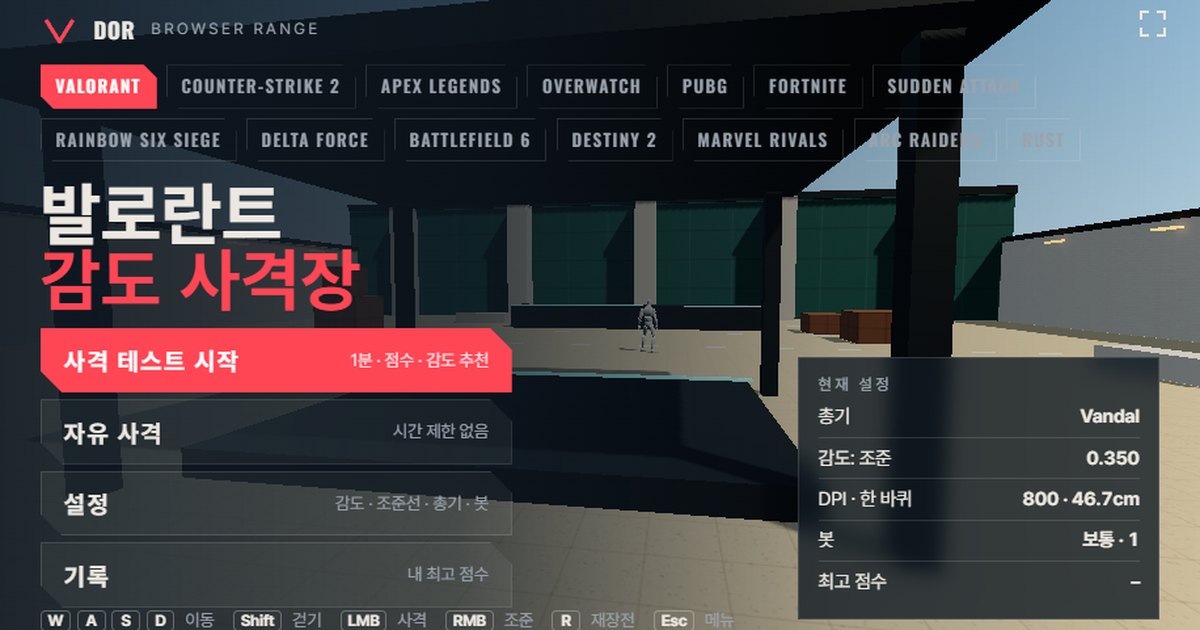
Sensitivity Test in Your Browser: 1-Minute Range for 14 FPS Games
A sensitivity test that runs in your browser with no download: the range reproduces the turn rate and field of view of 14 games, including VALORANT, CS2, Apex Legends, Overwatch, PUBG: BATTLEGROUNDS and Fortnite. Enter your in-game sensitivity in Chrome or Edge on PC, shoot for 1 minute and get your accuracy plus a sensitivity suggestion.
 Recording Guide
Club Roblox RP Guide (2026): How to Play, Adopt, Build Your Home, Where Codes Come From
What Club Roblox RP is, how to get started with adopting a baby or pet, building a home, mini-games and the new mood needs, the safety settings to check for kids, and how to record a family roleplay on PC and send it as a link.
 Sensitivity Tools
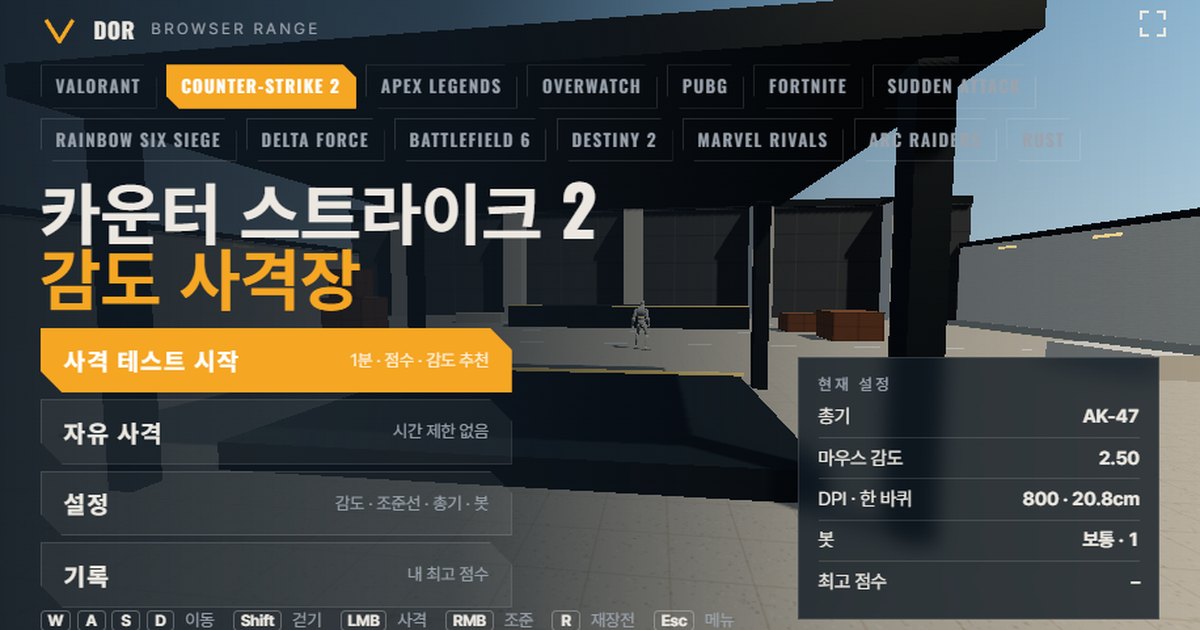
CS2 Sensitivity Test: Check Your Sens in a 1-Minute Browser Range
A CS2 sensitivity test you can run in your browser in one minute, with no install. It uses the same 0.022°/count turn rate and 106.26° 16:9 field of view as Counter-Strike 2 to measure accuracy, headshot rate and overshoot/undershoot, with notes on the sensitivity, zoom_sensitivity_ratio and m_rawinput variables and cm/360 conversion.
 Sensitivity Tools
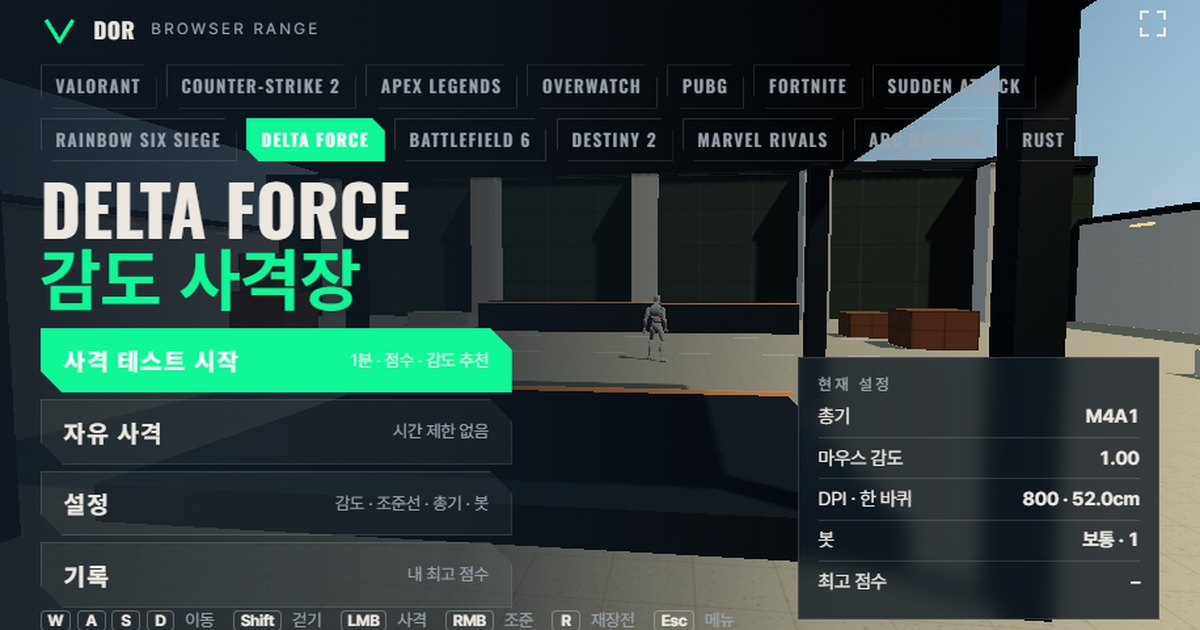
Delta Force sensitivity: find yours with a 1-minute browser test
Run a 1-minute test with the M4A1, AKM and AWM in a browser range that uses the same turn rate and FOV as Delta Force, then tune your sensitivity from accuracy and overshoot/undershoot counts.
 Sensitivity Tools
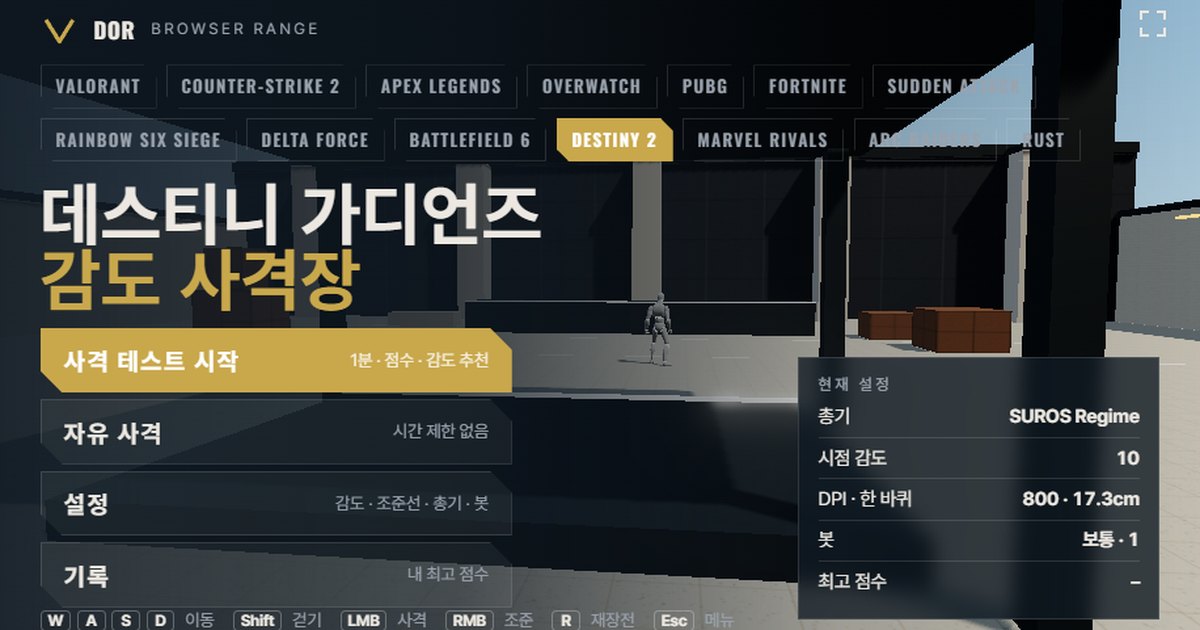
Destiny 2 Sensitivity: 1 to 20 Look Sens, cm/360 and 1-Minute Range Test
A browser range that runs with the same turn rate and FOV 85 as Destiny 2. Enter your look sensitivity and DPI, pick one of 7 weapons such as Ace of Spades or Cloudstrike, and a 1-minute test returns accuracy, headshot rate and a sensitivity suggestion.
 Sensitivity Tools
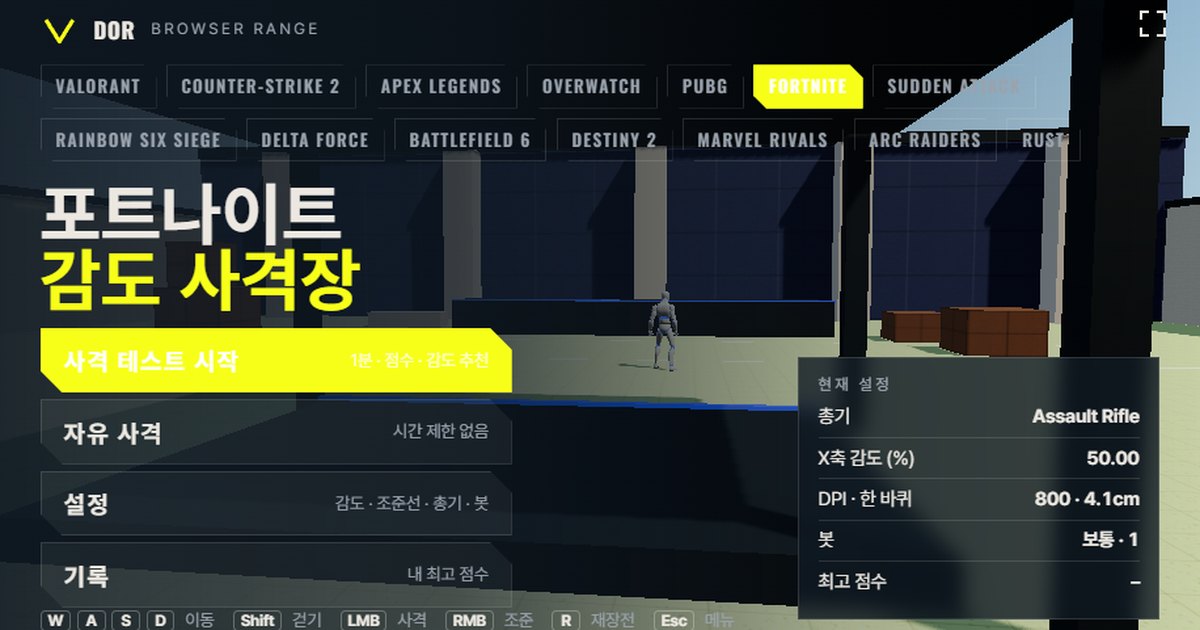
Fortnite Sensitivity Test: Check X-Axis Sens and cm/360 in 1 Minute
A browser range built with the same turn rate and FOV as Fortnite. Enter your X-axis sensitivity and DPI, run the 1-minute test, and it measures accuracy, headshot rate and overshoot/undershoot to tell you whether to move sensitivity up or down by 10%. The percent sensitivity system, targeting and scope multipliers and the FOV sliders are covered too.
 Sensitivity Tools
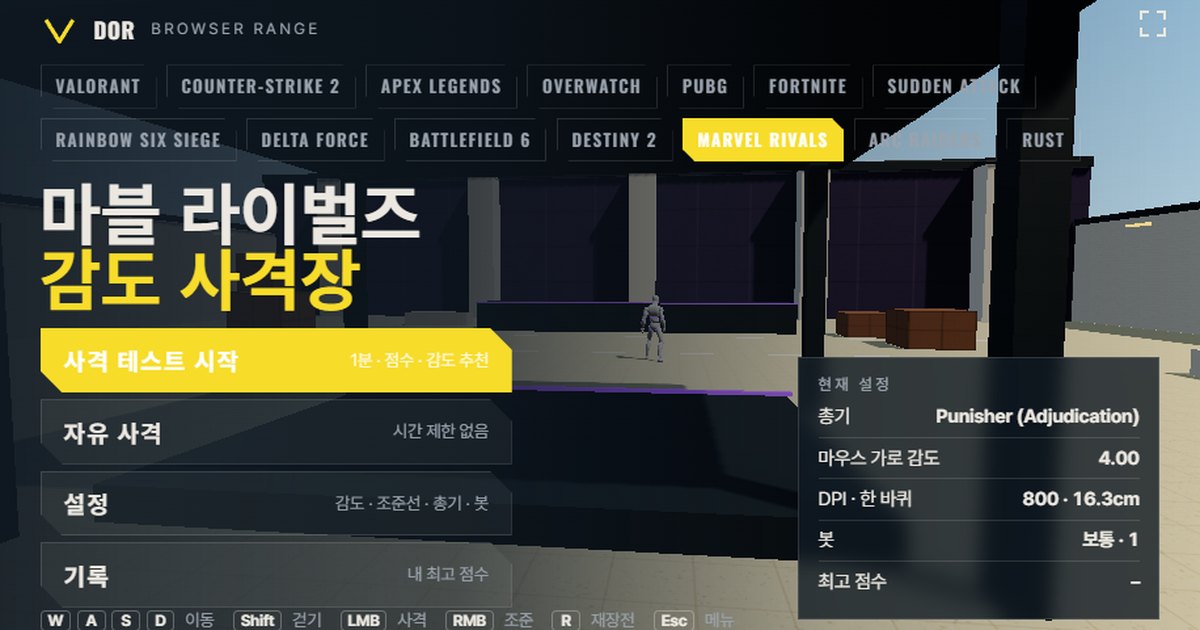
Marvel Rivals Sensitivity Settings: Default, cm/360 and 1-Minute Test
Where Marvel Rivals sensitivity lives (Settings > Keyboard > Combat, saved per hero), its range and default, ADS sensitivity and cm/360 conversion, plus a browser range with the same turn rate where a 1-minute test adjusts your sens in 10% steps.
 Sensitivity Tools
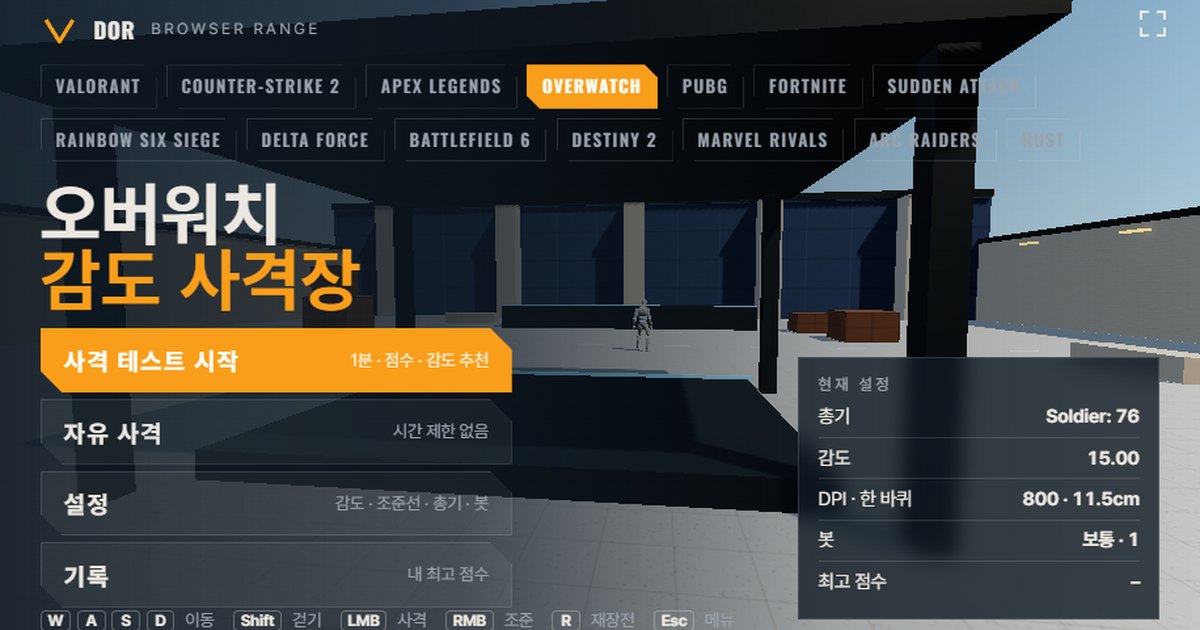
Overwatch 2 Sensitivity Test: Find Your Best Sensitivity in 1 Minute
Take an Overwatch 2 sensitivity test in your browser in one minute, no install needed, at the game's turn rate and 103 horizontal FOV. Learn how to adjust sensitivity in 10% steps from overshoot/undershoot stats and how to convert Widowmaker and Ashe zoom sensitivity for the range.