Record, edit
& find your community
Practical guides from capturing and editing gameplay to finding friends, parties, and communities.
Page 58 of 59
 Guide
Turning Clips into a Highlight Reel: A Step-by-Step Guide from Automatic Clip Extraction to a Finished Reel
The key to a good game highlight video isn't flashy effects; it's picking good clips, arranging them by impact, and keeping it short. We walk through the actual order of operations, from gathering clips to cutting, background music, captions, and exporting, and show how DOR auto-builds your best moments into clips you can finish into a reel right in the editor.
 Guide
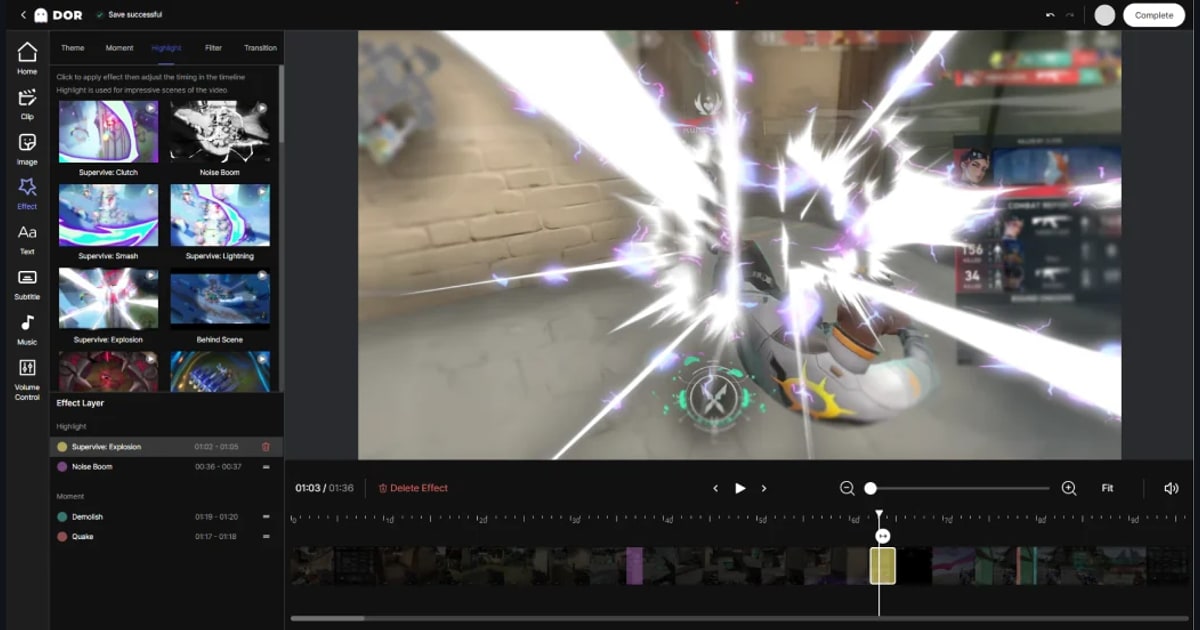
How to Trim Game Clips: Keeping Only the Parts You Need, Losslessly
When you want to keep only the best moments from a long recording, selecting a section and cutting it losslessly takes just seconds with zero quality loss. DOR lets you trim and save right in your browser.
 Guide
How to Save Just the Moment You Just Saw as a Clip (A Complete Guide to Replay Buffer)
You can save the last N seconds that just passed even if you never turned recording on beforehand. We cover everything step by step, from how the replay buffer works to OBS setup, hotkey assignment, and how DOR automatically grabs your best moments.
 Guide
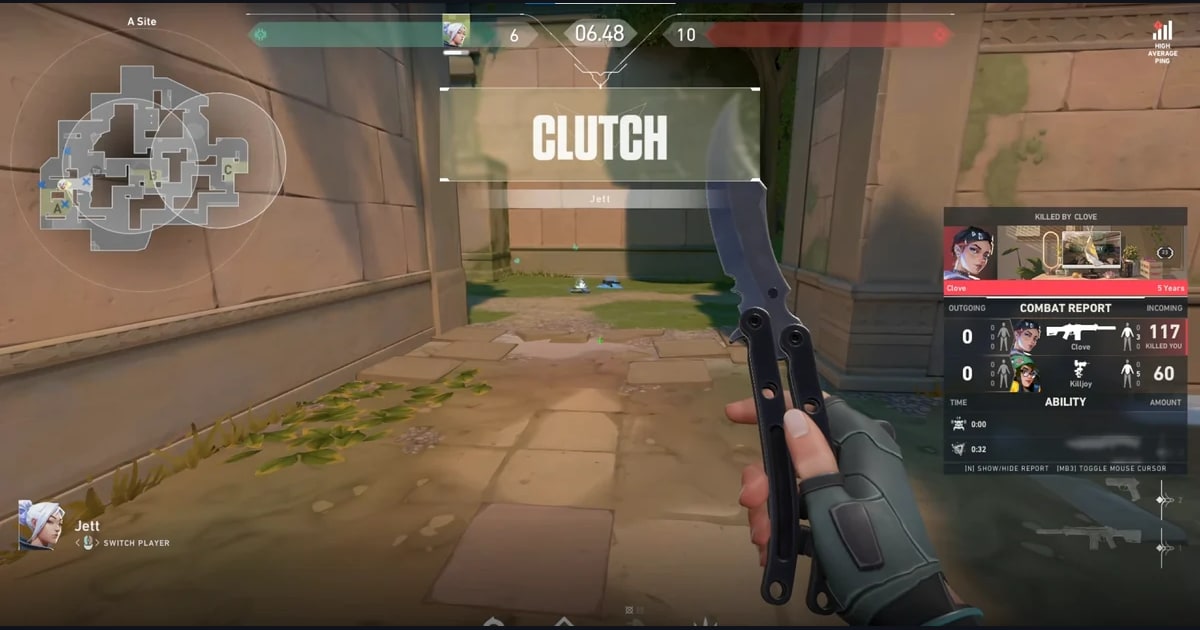
How to Choose a Lightweight Game Recorder: A Low-Load Background Capture Comparison and Recommendation (2026)
The reason your framerate drops when you turn on recording is almost always one thing: the encoding method. Starting from the core conditions for lightweight recording (hardware encoding, background capture), we compare DOR, OBS, Bandicam, Game Bar, and the NVIDIA app from a resource-load standpoint, and lay out settings and recommendations that protect framerate even on low-spec PCs, step by step.
 Guide
Settings to Boost FPS in LoL: An Impact Table by Graphics Option and Recommended Values
The reason your frame rate drops sharply during teamfights is well defined. If you turn off and lower shadows, effects quality, and character quality in that order, you can recover 40 to 80 frames even on mid-range hardware. Here is an FPS impact table by option and a step-by-step way to apply it.
GuideHow to Lower Your Ping in LoL: A Step-by-Step Guide Through Server and Network Settings
High ping in LoL almost always comes down to three things: distance, network condition, and background load. By following real setup steps in order, like switching to a wired connection, closing background apps, restarting your router, and checking the servers, you can shave ping down to the millisecond.
 Guide
How to Make Game Clip Thumbnails: One Killer Frame + Big Text to Boost Click-Through
A good game thumbnail comes down to three things: one killer frame, big text, and strong contrast. Here is a step-by-step breakdown, from extracting the scene to text, contrast, and a layout that drives up CTR.
GuideHow to Merge Multiple Game Clips Into a Highlight Video, Transitions Included (2026)
Here's the fastest workflow for merging scattered kill clips and great moments into a single highlight video. Just follow it step by step: adding clips, arranging the order, transitions, matching resolution and frame rate, and exporting. We'll also compare DOR's editor approach for stitching your collected clips together right in the browser.
 Guide
NVENC vs x264: Which Game Recording Encoder Should You Pick?
NVENC (GPU) and x264 (CPU) differ in where the load lands, in frame impact, and in image quality. Recording while you play? NVENC. Archiving at max quality? x264. We give you the instant answer in a table and cover the OBS setup too.
 Guide
The Complete Guide to Optimal GeForce Game Recording Settings: NVENC Generations and Drivers (2026)
We cover everything step by step for recording games lag-free on an NVIDIA GeForce card, from the NVENC encoder steps in OBS to the differences across the Turing, Ampere, and Ada generations, recommended presets and bitrates, and driver management.
 Guide
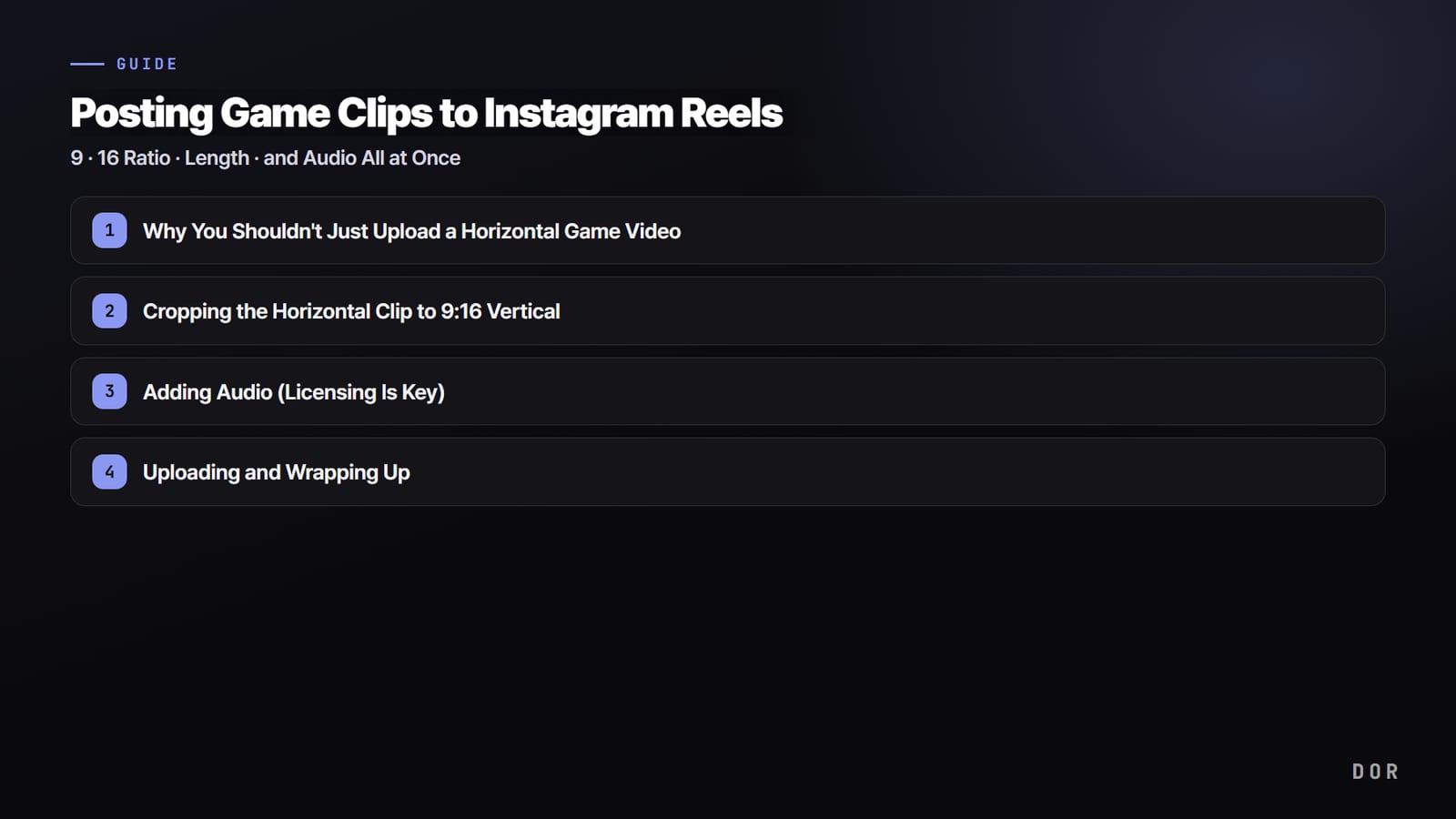
Posting Game Clips to Instagram Reels: 9:16 Ratio, Length, and Audio All at Once (2026)
Reels default to 9:16 vertical video, and you only need to meet the length and audio rules. We break down, step by step, how to crop a horizontally recorded game clip to 9:16 and add audio before uploading, along with the recommended specs for ratio and length.
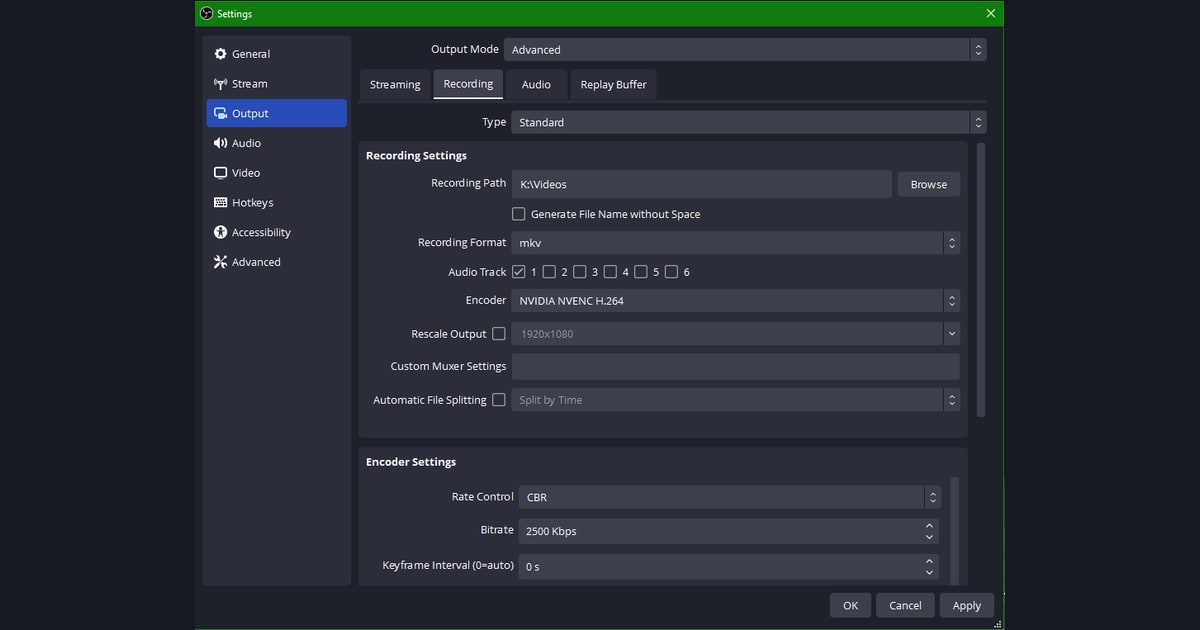 Guide
Recommended PC Specs for Game Recording: CPU, GPU, and Disk Reference Tables at a Glance (2026)
We break down the PC specs you need for game recording into minimum and recommended reference tables by CPU, GPU, RAM, and disk, walk through what matters most at each resolution, and step through low-load recording methods that lower the spec threshold.
 Guide
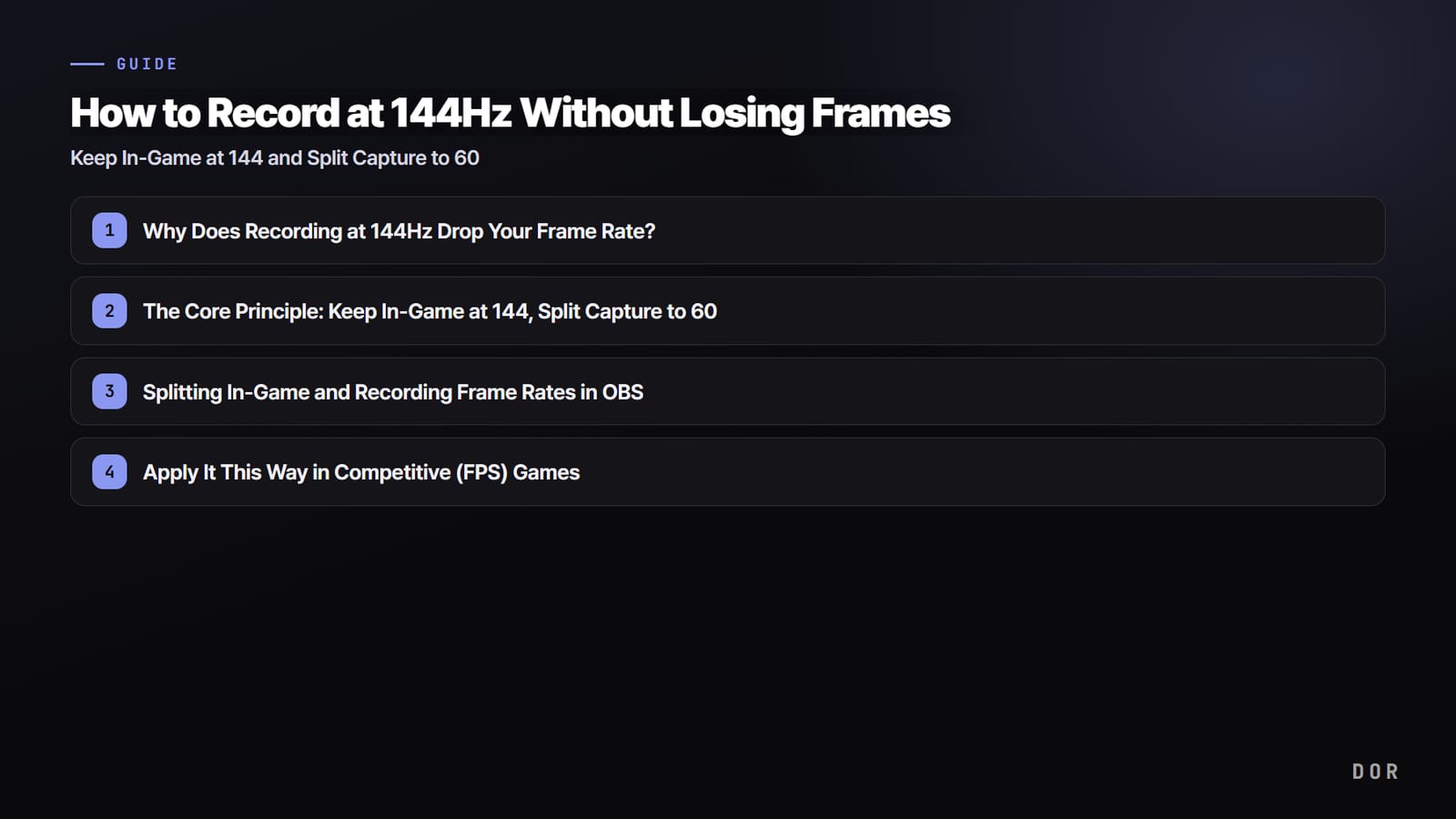
How to Record at 144Hz Without Losing Frames: Keep In-Game at 144 and Split Capture to 60 (2026)
We cover why frame rate drops when you record competitive matches on a 144Hz monitor, and the step-by-step settings that nearly eliminate frame loss by keeping in-game at 144 and splitting recording to 60. We walk you through it with real numbers for OBS, built-in recording, and DOR.
 Guide
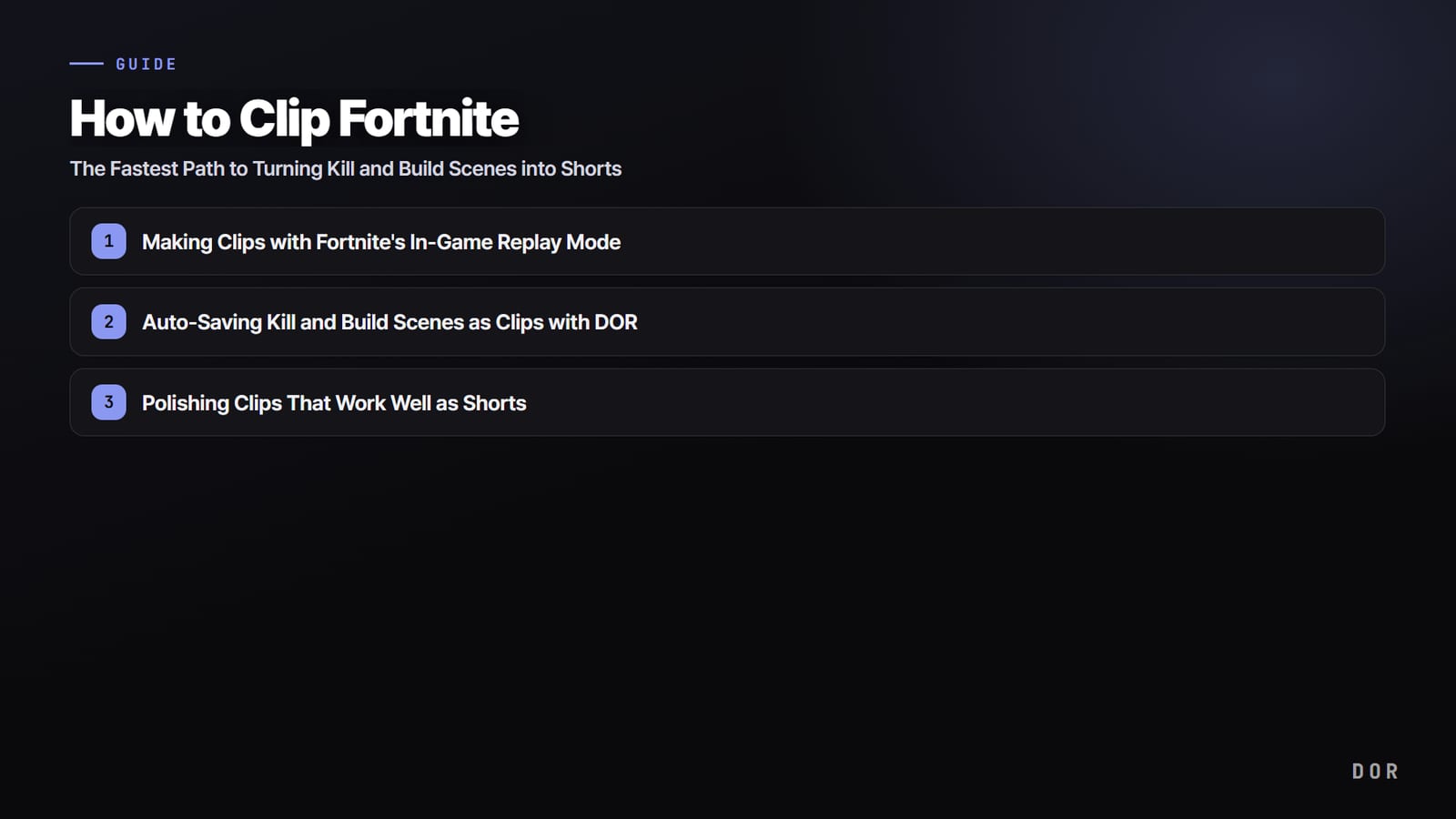
How to Clip Fortnite: The Fastest Path to Turning Kill and Build Scenes into Shorts
There are three ways to clip Fortnite: replay mode, GPU instant replay, and DOR auto clips. If your goal is Shorts, the path where kills collect on their own and crop straight to 9:16 takes the least effort.
Guide4K Game Recording Setup and Spec Guide: HEVC Codec and SSD Requirements
Clean 4K game recording comes down to three things: the HEVC codec, a fast SSD, and enough bitrate. We walk through it step by step, from codec choice to bitrate, disk speed, and a recommended spec table.
 Guide
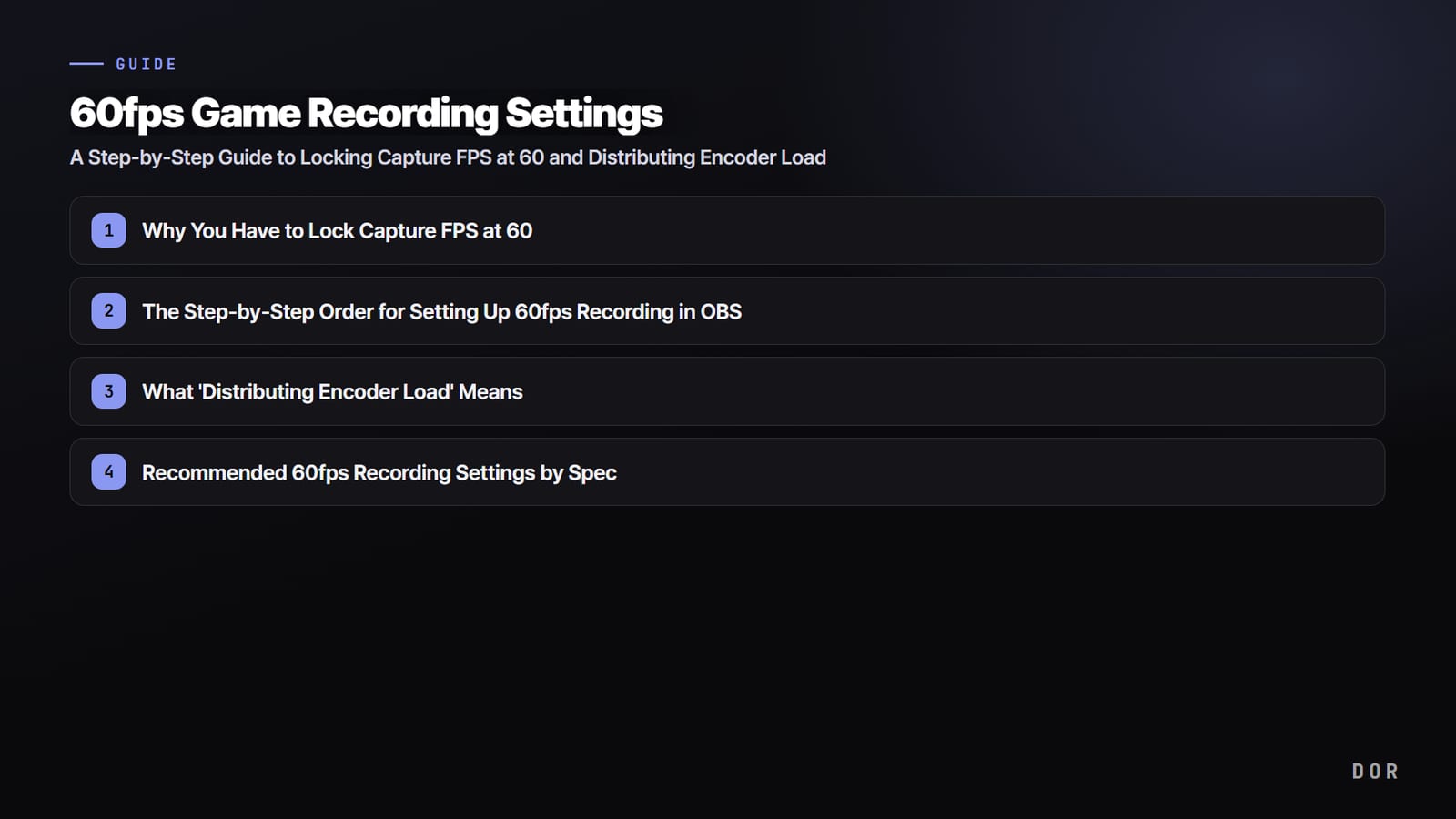
60fps Game Recording Settings: A Step-by-Step Guide to Locking Capture FPS at 60 and Distributing Encoder Load
The key to 60fps game recording is locking capture frames at 60 and distributing the encoder load to the GPU. We've laid out recommended bitrate and keyframe values by spec in a table.
 Guide
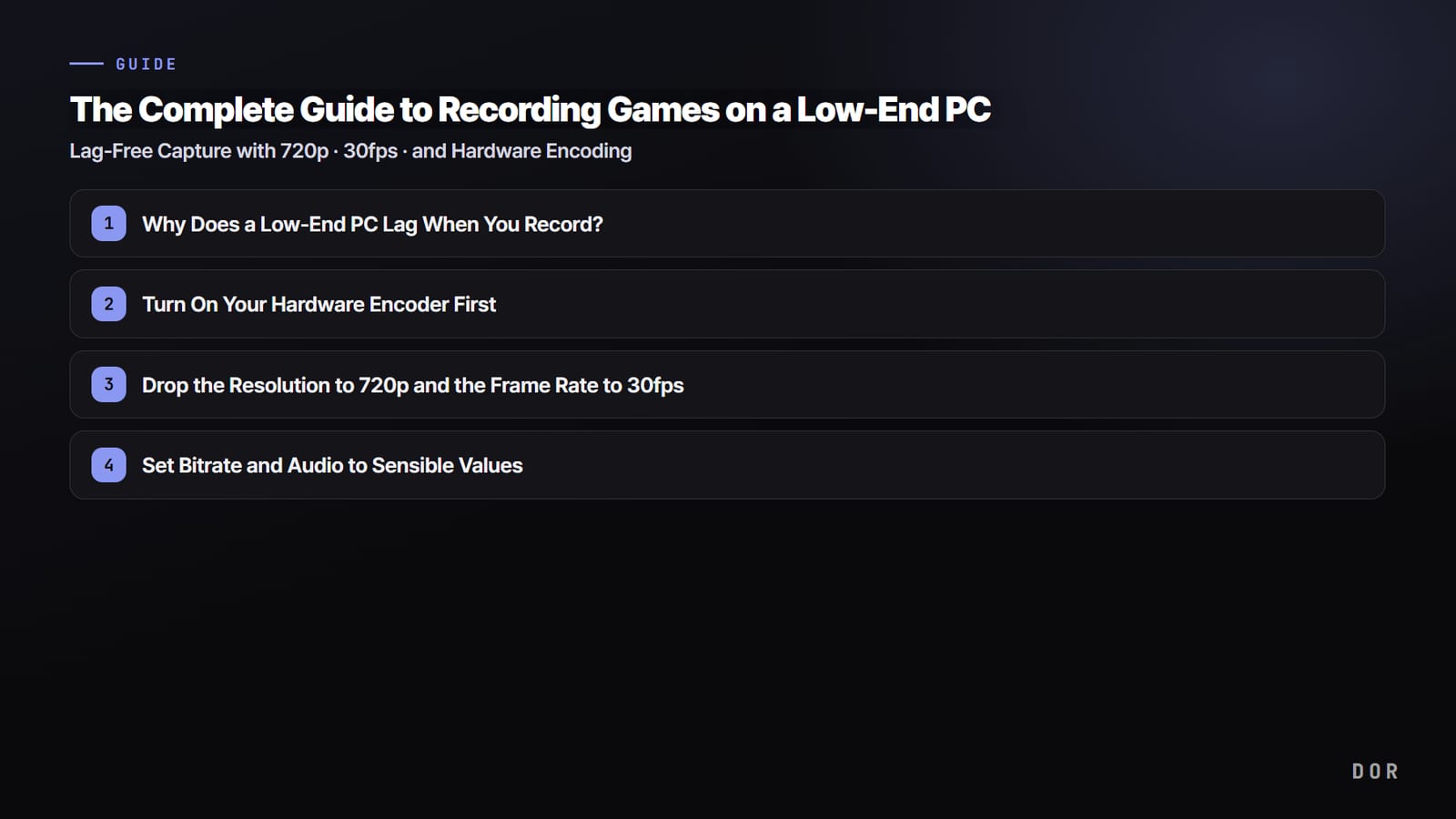
The Complete Guide to Recording Games on a Low-End PC: Lag-Free Capture with 720p, 30fps, and Hardware Encoding (2026)
You can record games even on a low-end PC or integrated graphics. Get these three things right, hardware encoding, 720p/30fps, and a cleaned-up background, and you can record while losing the fewest frames possible. We've put together a recommended-settings table by spec, a step-by-step method, and how to record effortlessly with DOR.
 Guide
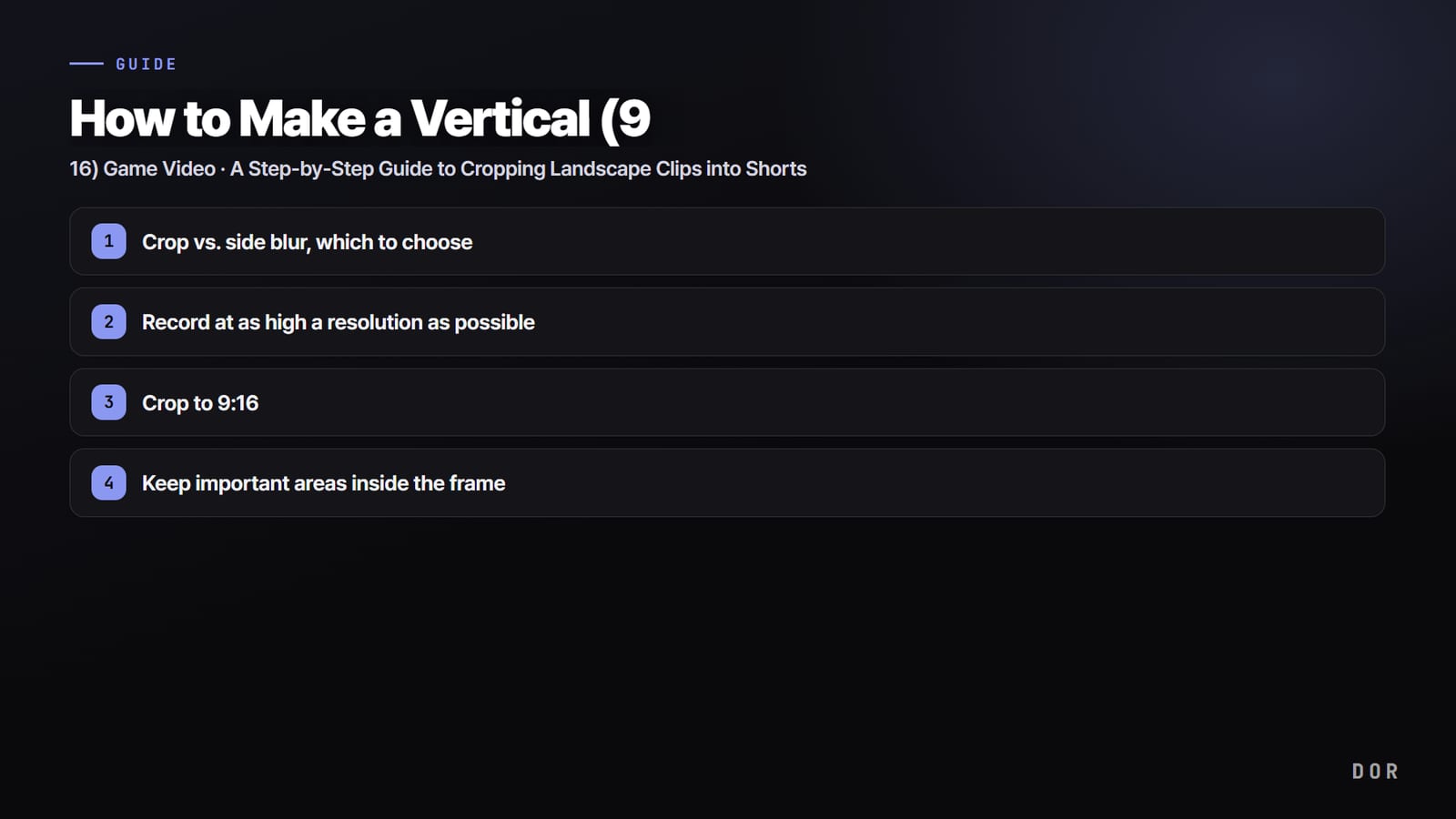
How to Make a Vertical (9:16) Game Video: A Step-by-Step Guide to Cropping Landscape Clips into Shorts (2026)
Games run in 16:9 landscape, but Shorts and Reels are 9:16 vertical, so if you just upload them you get black bars on the top and bottom. We laid out, step by step, the two paths for turning a landscape game screen into a vertical Short (cropping and side blur), how to position your crop to keep the important areas, and how to crop landscape clips straight to 9:16 with the DOR editor.
 Guide
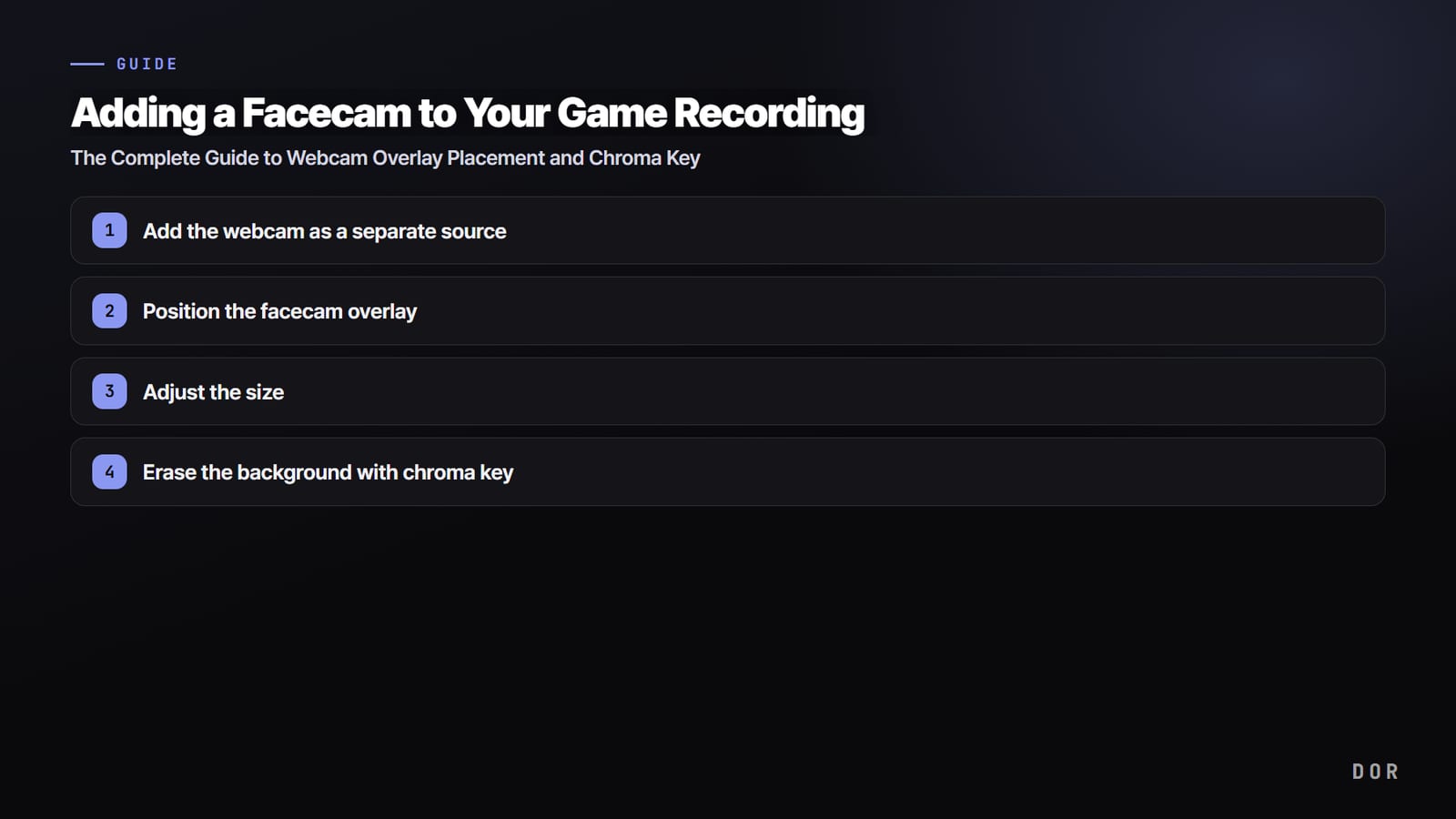
Adding a Facecam to Your Game Recording: The Complete Guide to Webcam Overlay Placement and Chroma Key
We break down, step by step, how to record with your face (a facecam) over the game screen. Adding the webcam source, positioning and sizing the overlay, and removing the background with chroma key, all in one go.
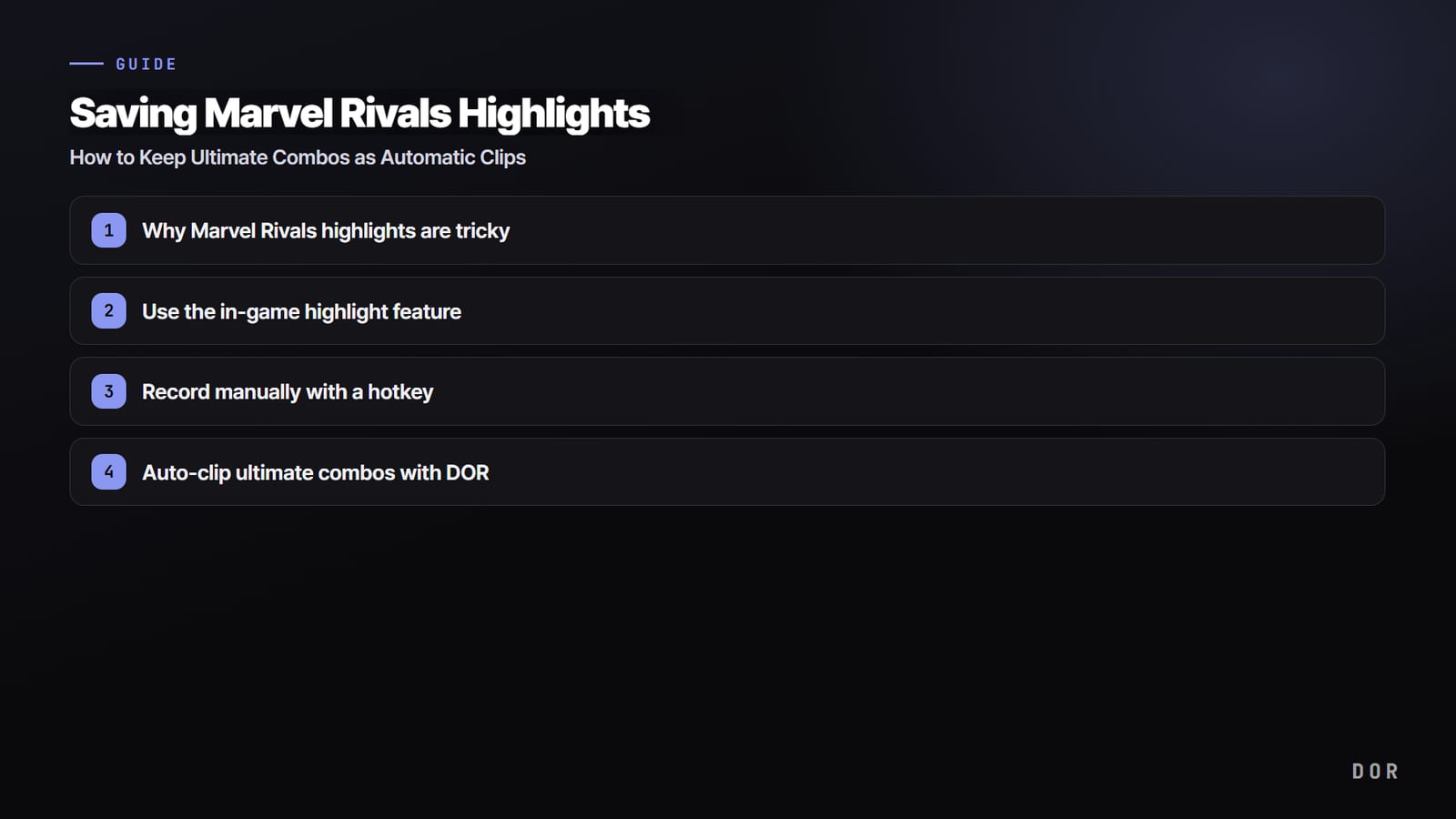 Guide
Saving Marvel Rivals Highlights: How to Keep Ultimate Combos as Clips
Marvel Rivals ultimate combos are over in 2 to 3 seconds. We break down, step by step, the easiest way to capture that moment as a clip without missing it.
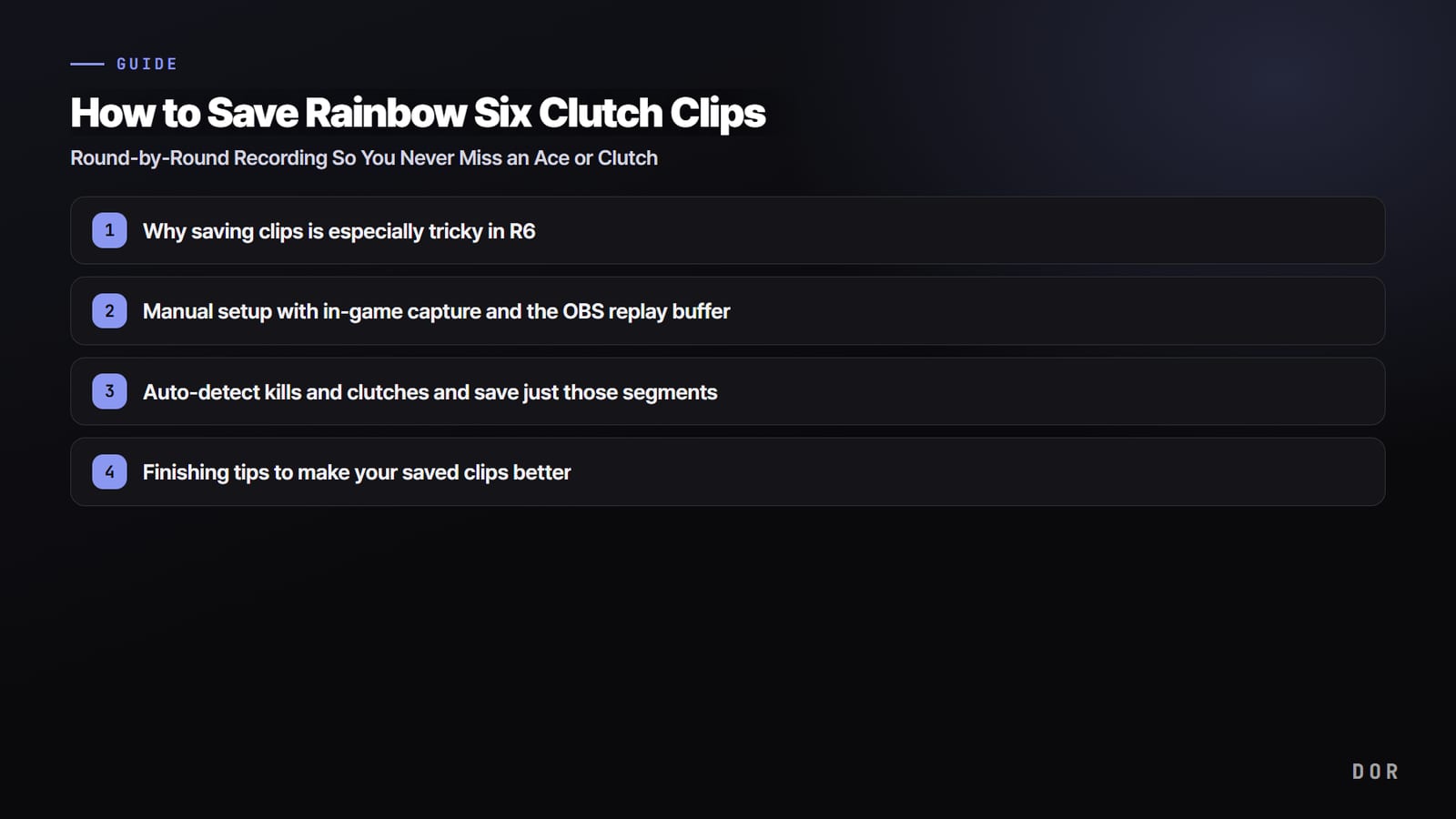 Guide
How to Save Rainbow Six Clutch Clips: Round-by-Round Recording So You Never Miss an Ace or Clutch
R6 rounds are long and clutches pop off late. We break down, step by step, how to turn recording on in advance and cut clips round by round, plus how to auto-record the whole match and save just those segments with F8.
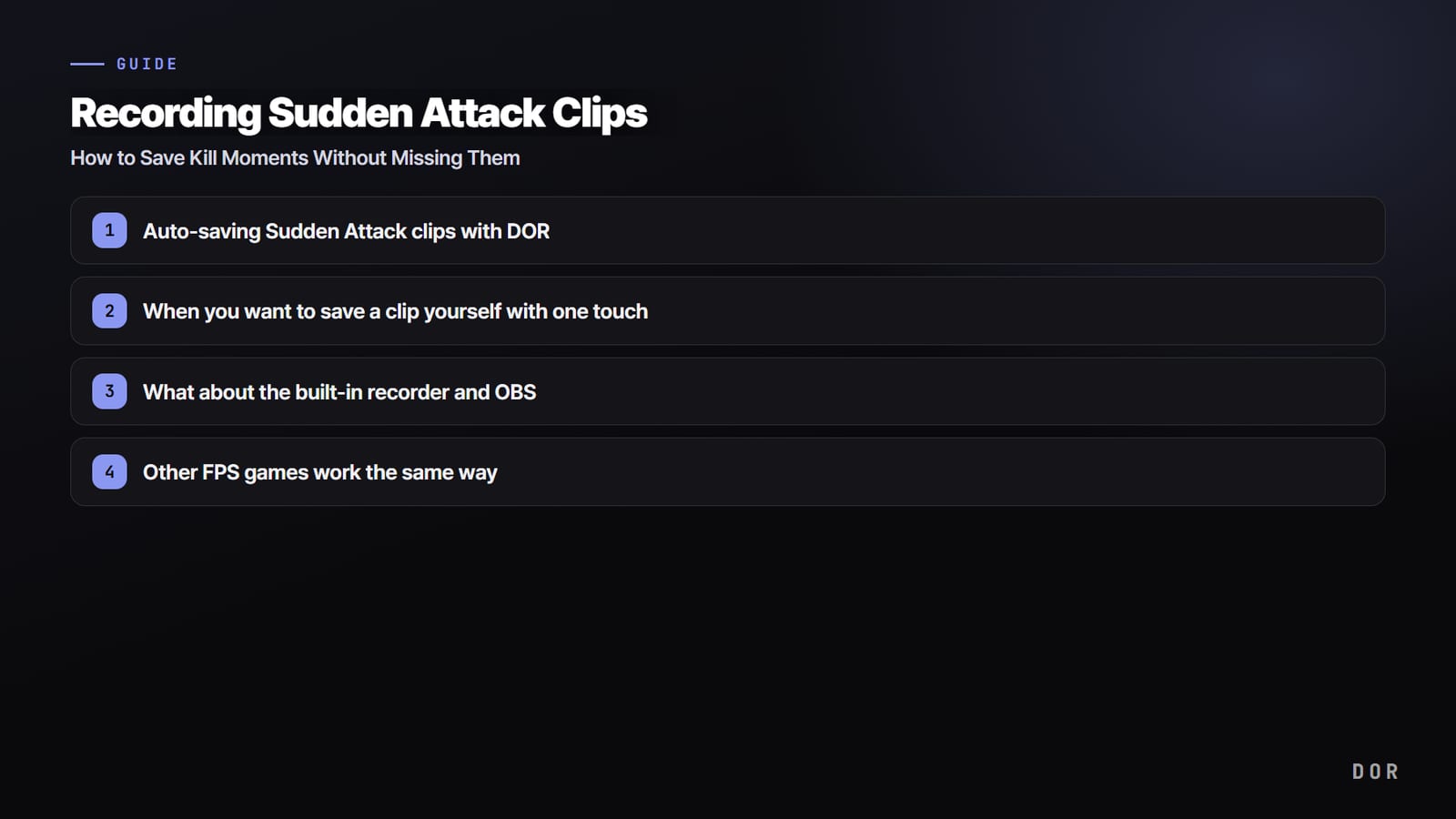 Guide
Recording Sudden Attack Clips: How to Save Kill Moments Without Missing Them
Headshots and kill streaks in Sudden Attack are over in less than a second. Here is a step-by-step guide to auto-recording your play with DOR and saving kill moments as clips with a single press of F8.
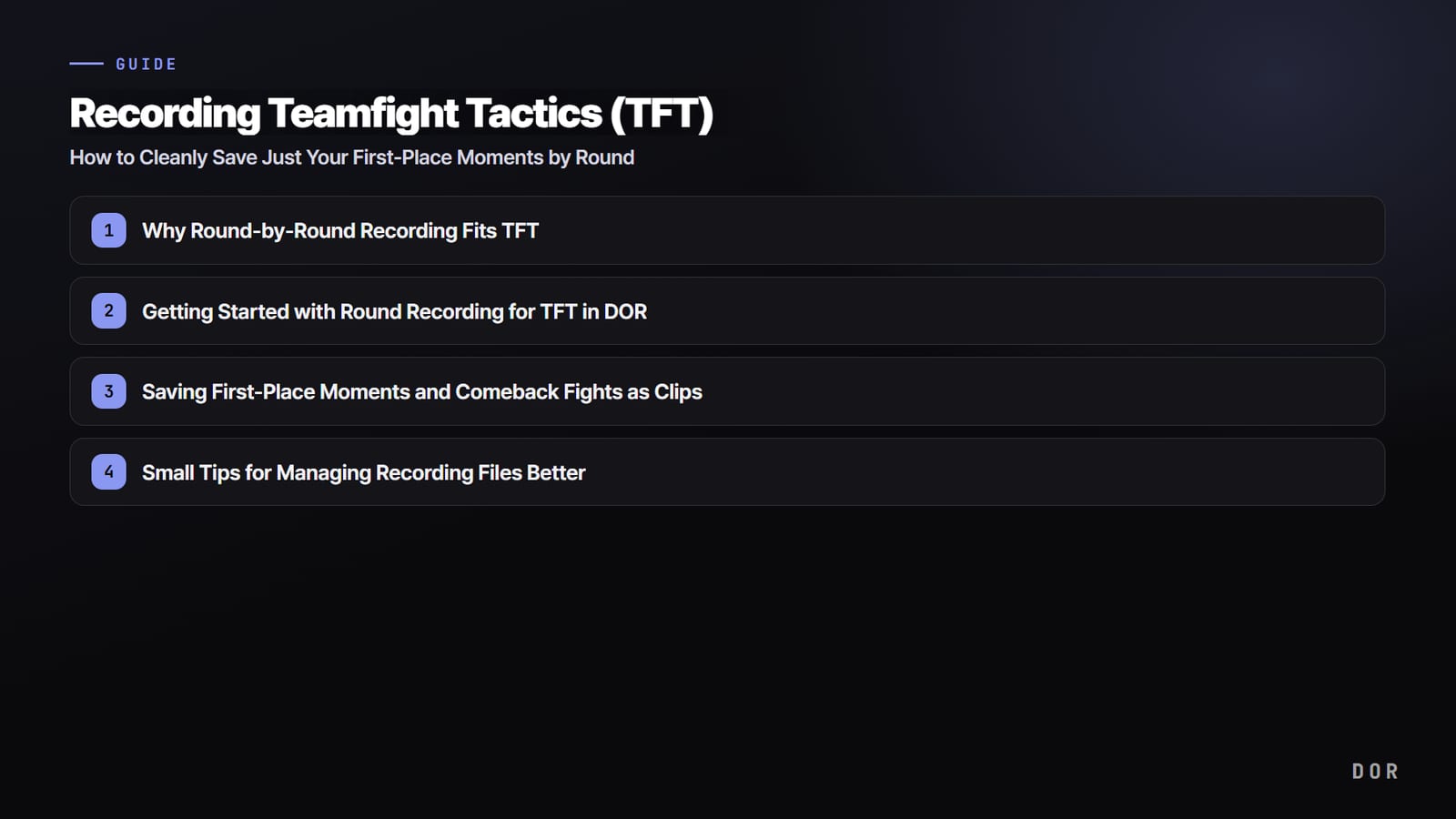 Guide
Recording Teamfight Tactics (TFT): How to Cleanly Save Just Your First-Place Moments by Round
A single TFT match runs over 30 minutes, so full recording is a burden. Here's a step-by-step guide to recording by round and keeping only your first-place and comeback moments as clips.
 Troubleshooting
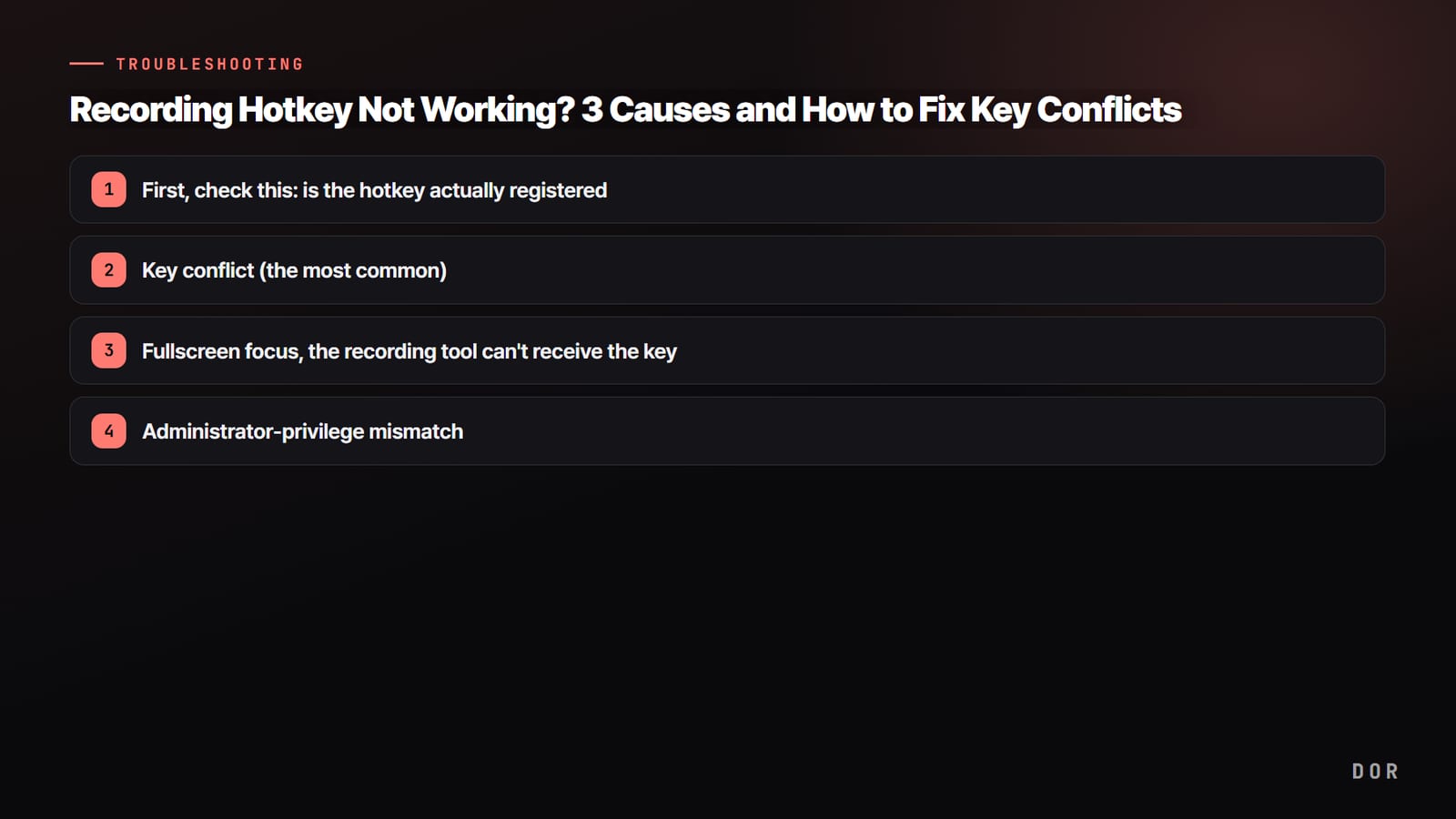
Recording Hotkey Not Working? 3 Causes and How to Fix Key Conflicts
If your recording hotkey gets no response when you press it, it is usually one of three things: a key conflict, fullscreen focus, or a mismatch in administrator privileges. We walk through the steps to fix each cause and round it off with key combinations that won't overlap.